Oct 23, 2026Technology Explained
How to Store Security Camera Footage Without a Monthly Fee: TF Card, NVR & Cloud Compared
TF cards, NVR and cloud storage compared for security cameras: what each costs over time, what works offline, and how to keep footage without a monthly fee.
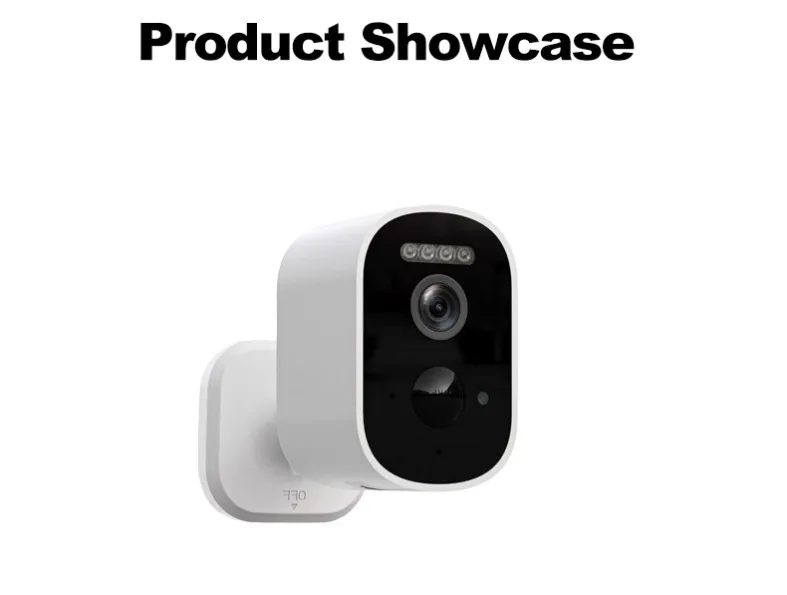
How to Store Security Camera Footage Without a Monthly Fee: TF Card, NVR & Cloud Compared
Does this camera require a subscription?" — the most common question our buyers ask before ordering. The honest answer: no, you don't need a subscription to save footage. Every KeenCamPro camera stores video locally on a TF/microSD card (32–256 GB), with optional cloud support depending on the model. This guide, written from a manufacturer's perspective (we export cameras to distributors and brands in 40+ countries), explains the three storage options so you can pick the right one — and avoid paying monthly fees for years.After reading, you'll know: which storage option fits your budget and site, how much footage fits on a card, what happens when it fills up, and what to send us for an accurate quote.Short answer: your camera saves video to a local TF card and you watch it free in the app; add cloud only if you want off-site backup — it's optional, not required.
Do you really need a subscription to save footage?
No — but subscription plans are designed to make it feel that way. Market research on cloud storage puts typical plans at USD 2.99–14.99 per camera per month, and an often-cited 2024 market analysis puts the average at USD 6–15 monthly (USD 72–180 per year), with premium tiers reaching USD 25–30 a month. Over five years, one camera can cost USD 360–1,800 just to access footage you already recorded. Retention of optional camera subscriptions varies by product and market, so treat it as a variable rather than a fixed rate.Local storage removes the entire category of cost: buy the card once, record forever. Four cameras on a basic USD 5/month plan means USD 240 a year — roughly the price of a new solar camera every year.
Three storage options explained
TF/microSD card (local, in the camera) — the card sits inside the camera. Motion clips and continuous (AOV) timelines are written to it and played back in the app. The camera overwrites the oldest footage when the card is full, so it never stops recording.
NVR / recorder (local, central) — a small recorder box stores footage from multiple cameras on one hard drive. Best when you have several cameras or need long retention.
Cloud (off-site, usually paid) — video uploads to the provider's servers for access from anywhere and backup if the camera is stolen. Convenient, but recurring cost and third-party storage.
TF card storage: how it works
Every KeenCamPro camera has a TF/microSD slot supporting 32–256 GB. Video is stored locally, playback is free, and there is no account lock-in:
Motion clips and 24/7 AOV timelines both write to the same card.
When the card is full, the oldest footage is overwritten automatically — recording never stops.
Footage never leaves your property unless you choose cloud backup.
No subscription is required to view, download, or share clips.
Use a high-endurance TF card (designed for continuous writes) — standard phone cards wear out faster under 24/7 recording.
For most homes and small businesses, an in-camera TF card is all you need.
NVR: when it's worth the extra hardware
An NVR makes sense when:
You run multiple cameras and want one place to review everything.
You need weeks of retention rather than days.
You want a hard drive you can remove and archive.
NVR adds an upfront cost but no monthly fee — it is a one-time purchase for local, long-term storage. If you plan an NVR setup, mention your channel count when you inquire and our engineers will confirm compatibility before you order.
TF card vs NVR vs cloud: quick comparison
Criterion | TF card (local) | NVR (local) | Cloud (subscription)
Cost | One-time (card) | One-time (recorder + drive) | USD 3–15 per camera / month
Retention | Days to weeks (card size) | Weeks to months | 7–90 days depending on plan
Works offline | Yes | Yes | No (needs internet)
Survives camera theft | No (card inside camera) | Yes | Yes
Privacy | Footage stays on-site | Footage stays on-site | Stored by a third party
Best for | Single cameras, most users | Multi-camera sites, long retention | Off-site backup and access anywhere
Bottom line: TF card covers most needs at zero running cost; add NVR for multi-camera history; add cloud only when you specifically need off-site backup.
How much footage fits on a TF card?
Storage depends on resolution, recording mode, and card size, but as a practical range:
Motion-triggered clips on a 64–128 GB card: typically weeks to months of clips.
24/7 AOV timeline at low frame rate on a 128–256 GB card: typically weeks of continuous history, plus full-speed event clips.
Resolution is the biggest factor: 2K/4K clips use more space than 1080p. If retention matters more than sharpness, a lower resolution setting stretches the card much further.If you need exact retention for your site, tell us the resolution, recording mode, and card size in your inquiry — we'll calculate it for you.
Quick picks from the KeenCamPro catalog
Need | Recommended model | Storage fit
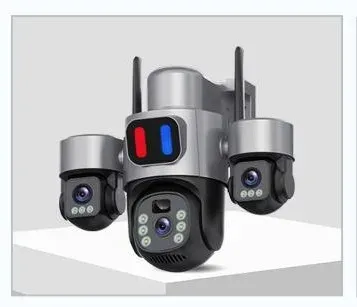
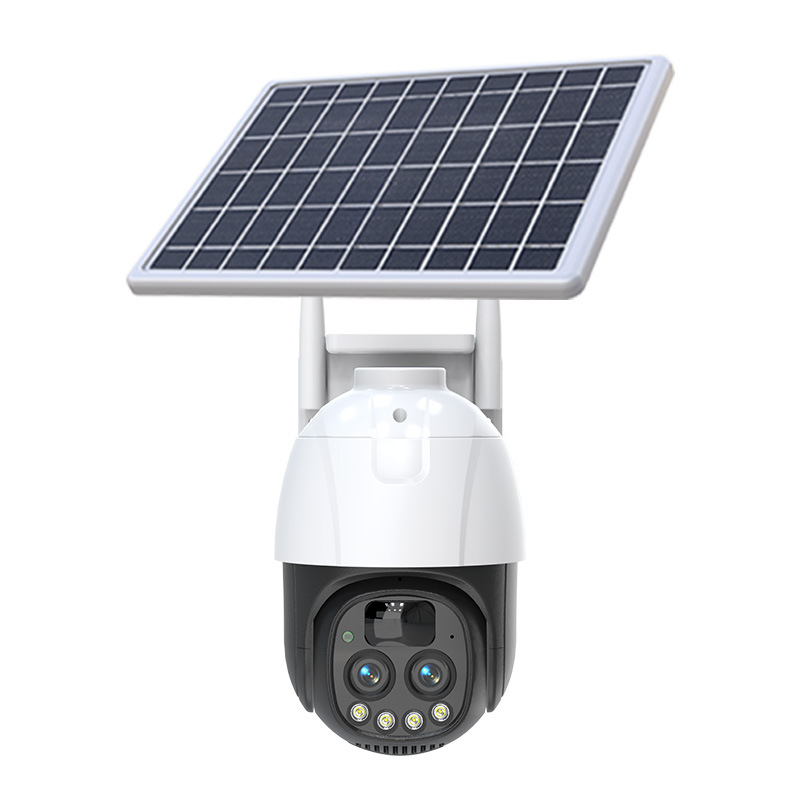
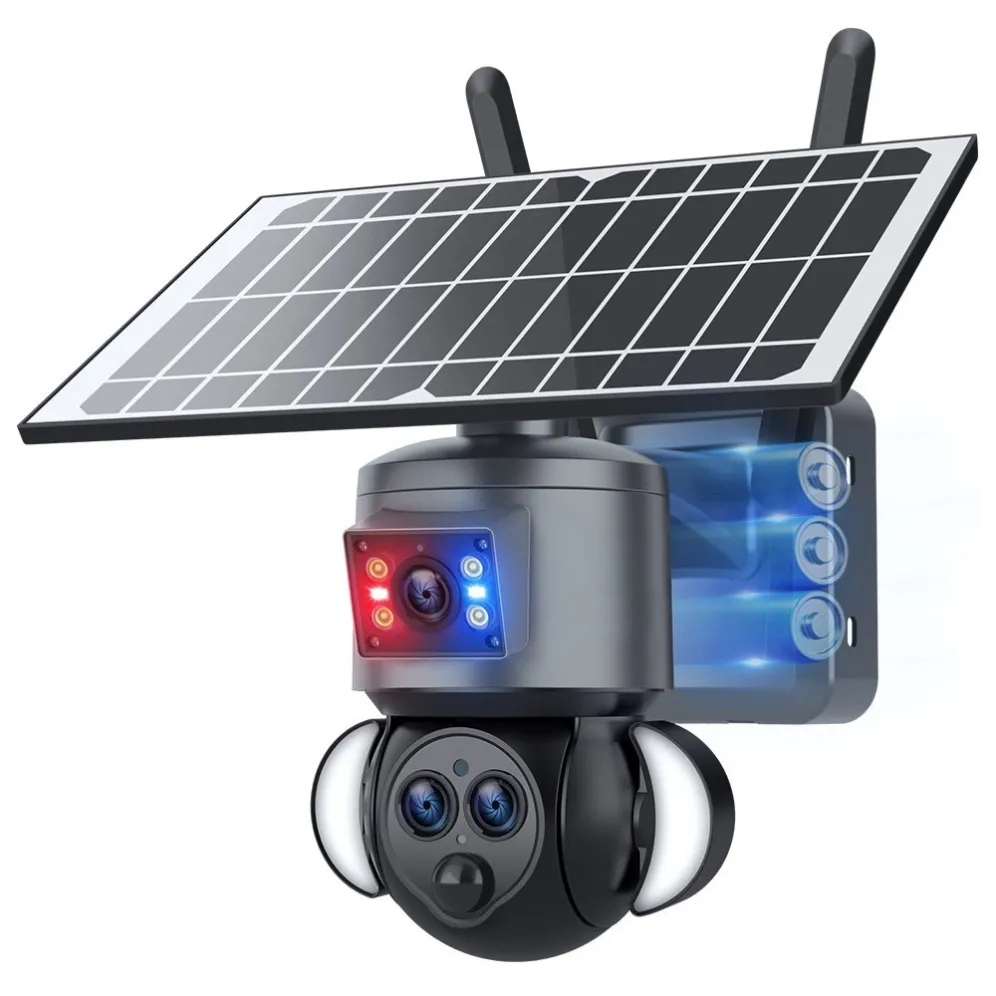
Outdoor solar, one camera | EXF-QS12-B6M (3-lens solar) | TF 32–256 GB, motion + AOV timeline
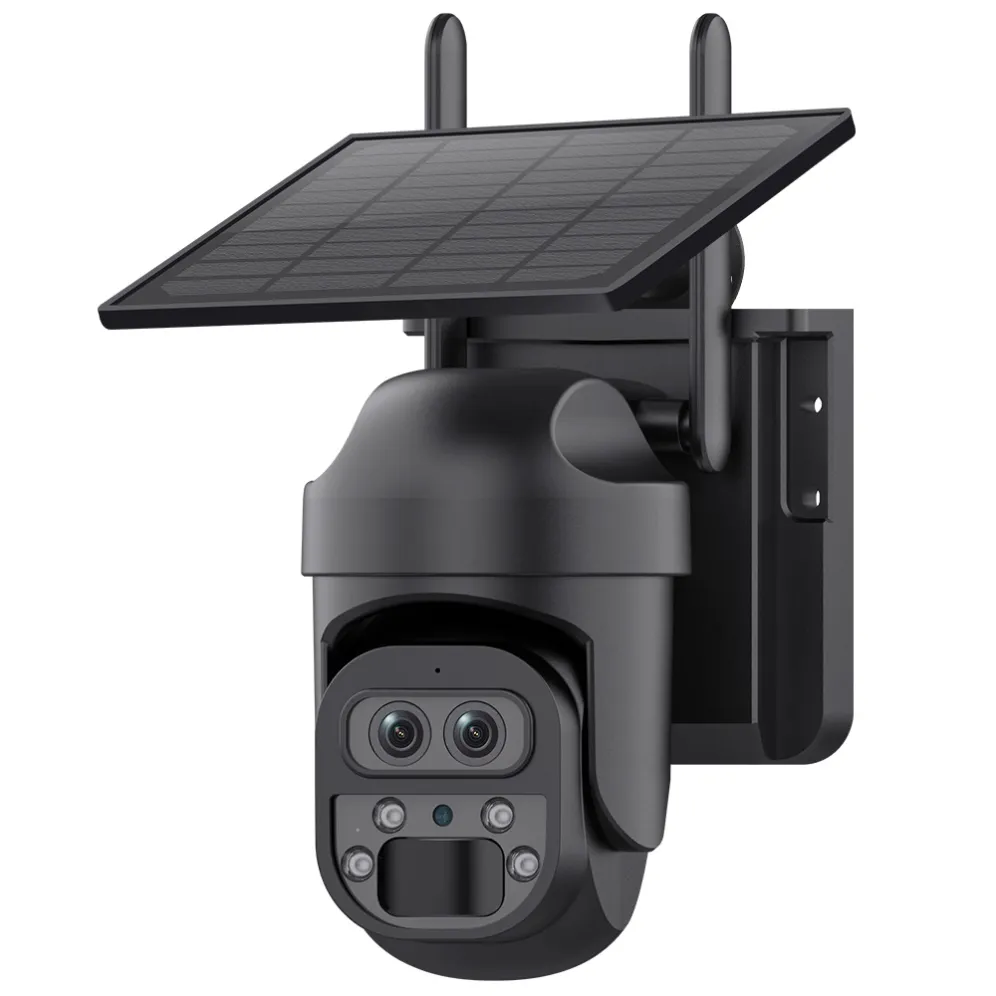
Night-lit yard or parking | EXF-DQS8-B4L(A) (AOV street-lamp) | TF 32–256 GB, 24/7 timeline
Home / battery | EXF-B1 | TF up to 256 GB, PIR-triggered clips
Plug-in multi-angle | EXF-QL32 (gun-ball) | TF + area detection, easy playback
All pair with the free app for playback, download, and sharing — no subscription required.
FAQ
Do I need a monthly subscription to save security camera footage? No. All KeenCamPro cameras record to a local TF card and playback is free in the app. Cloud, where supported, is optional.
How long does footage stay on a TF card? It depends on resolution, recording mode, and card size — typically days to weeks with motion clips, and weeks of continuous timeline with AOV on a 128–256 GB card.
What happens when the TF card is full? The camera automatically overwrites the oldest footage, so recording continues without interruption.Can I watch recorded footage remotely? Yes. Live view and playback are in the app from anywhere with internet — still no subscription.
TF card or cloud — which is safer? Each has a trade-off: local storage keeps your footage private and on-site, but a stolen camera takes the card with it. Cloud backs up off-site but stores your video with a third party and costs monthly.
What if the camera is stolen? Cloud backup protects the footage; a local card does not. For high-risk sites, many buyers use local TF plus an optional cloud plan as insurance.
Can I use any TF card? Any standard TF/microSD card up to the supported size (32–256 GB) works. For 24/7 or AOV recording, choose a high-endurance card rated for continuous writes.
What to prepare before your inquiry
Tell us these six things and we'll recommend the right storage setup on the first reply:
Number of cameras and site — how many, indoor or outdoor.
Recording mode — motion clips, 24/7 AOV, or both.
Card size preference — 64, 128, or 256 GB.
Retention need — days or weeks of history.
Access requirements — local playback only, or remote/cloud too.
Quantity, target market, packaging — volume, destination, your brand or our standard box.
Buying as a reseller? Go straight to the factory
Distributors, importers and brand owners buy direct from the manufacturer:
100+ models in one catalog — solar, plug-in, battery, AOV, optical zoom to 36×, pet cameras.
OEM/ODM welcome — your brand, our factory, small MOQ, fast delivery.
Free technical support for app, firmware and packaging customization.
Browse the camera category on our website to compare models side by side: www.keencampro.comRequest a quote — contact our sales team to confirm model, storage and MOQ today:
WhatsApp: https://wa.me/8618948579719
Email: diana@keencampro.com
Website: https://www.keencampro.com/
#KeenCamPro #SecurityCamera #LocalStorage #NoSubscriptionCamera #TFCard #SecurityCameraWithoutSubscription #SolarSecurityCamera #WirelessCamera #CCTV #OEM #Wholesale