Oct 22, 2026Technology Explained
Why Isn't My Solar Security Camera Working in Winter? A Farm Troubleshooting Guide
Why Isn't My Solar Security Camera Working in Winter? A Farm Troubleshooting Guide
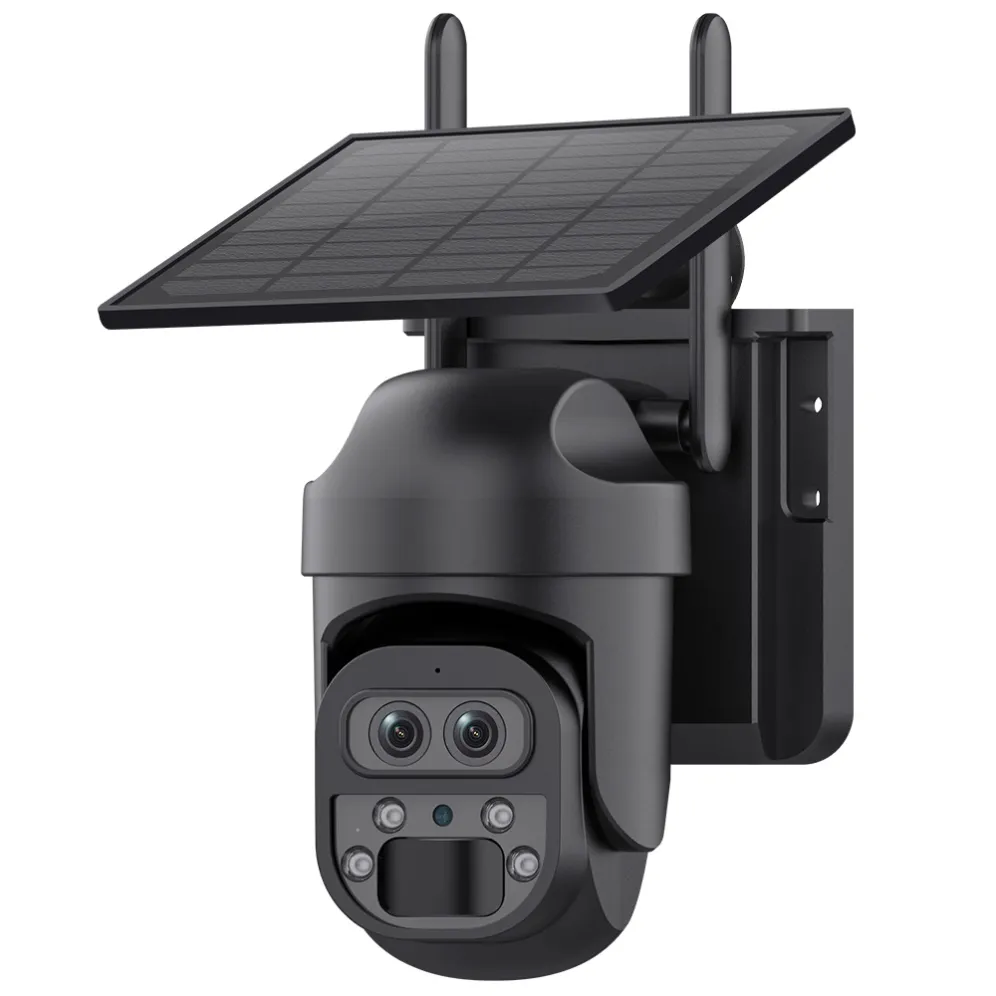
If your solar camera stops recording, drains fast or goes offline when the temperature drops, you are not alone — winter is the season when farm solar cameras fail most, and in nine cases out of ten the cause is one of five things: a cold lithium battery, a snow-covered panel, a weak signal, moisture in the lens, or too many false alerts draining power. This guide walks through each failure by symptom, with the fix and the prevention, so you can decide in minutes whether it is a setting, a placement, or a hardware problem.Honest note up front: we manufacture these cameras, and we also answer winter support questions from dealers and end users — so we will not sell you a "winter-proof guarantee." Cold reduces a lithium battery's usable discharge capacity rather than its rated capacity: a production LiFePO4 cell retains about 85% of its 25 °C capacity at 0 °C and about 75% at −20 °C at a 1C discharge rate, with most of the loss recovered once the cell warms up, short days charge less, and no camera is immune to physics. What a well-placed, well-maintained solar camera does do is survive winter with the right habits. This guide is those habits.
Who this guide is for
Farm and ranch owners whose cameras "were fine in September" and now misbehave.
Dealers and installers who need a ready troubleshooting knowledge base for customer support season.
Brand owners checking what winter issues their product line actually faces.
How to use this guide: read by symptom, not by camera model — find your symptom, follow the fix in order, and use the checklist at the end to stop it happening again. If the fix is not obvious after step three, it is usually a placement or power-budget issue, not a setting.
Symptom 1: The camera won't turn on or stops recording
Most likely cause: the battery hit its low-voltage cutoff, or the panel has not charged enough to run the camera.Fix step by step:
Check the APP's battery level and the last charging trend — did it stop climbing a week ago?
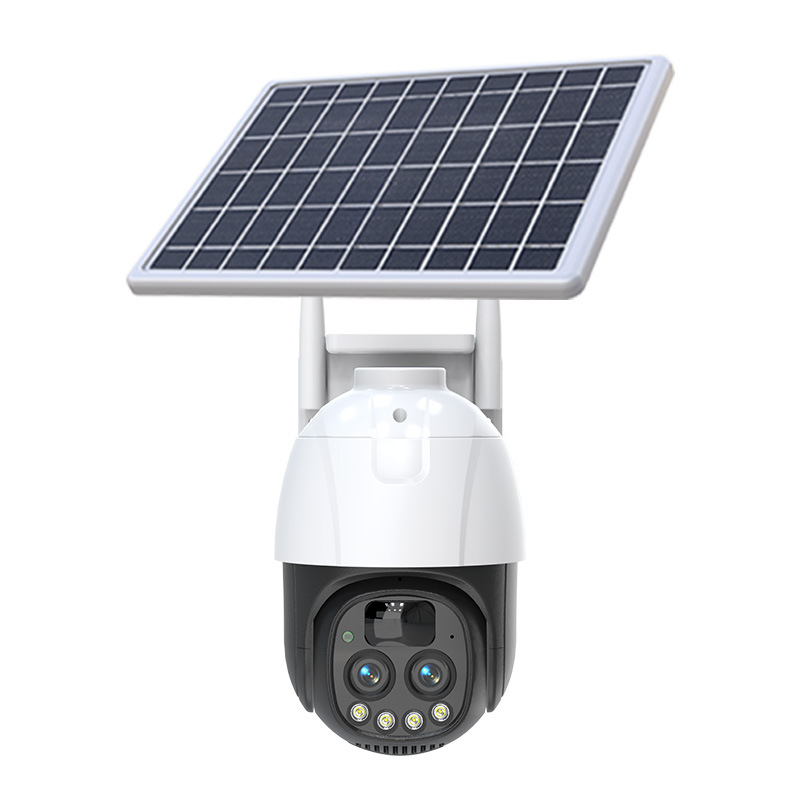
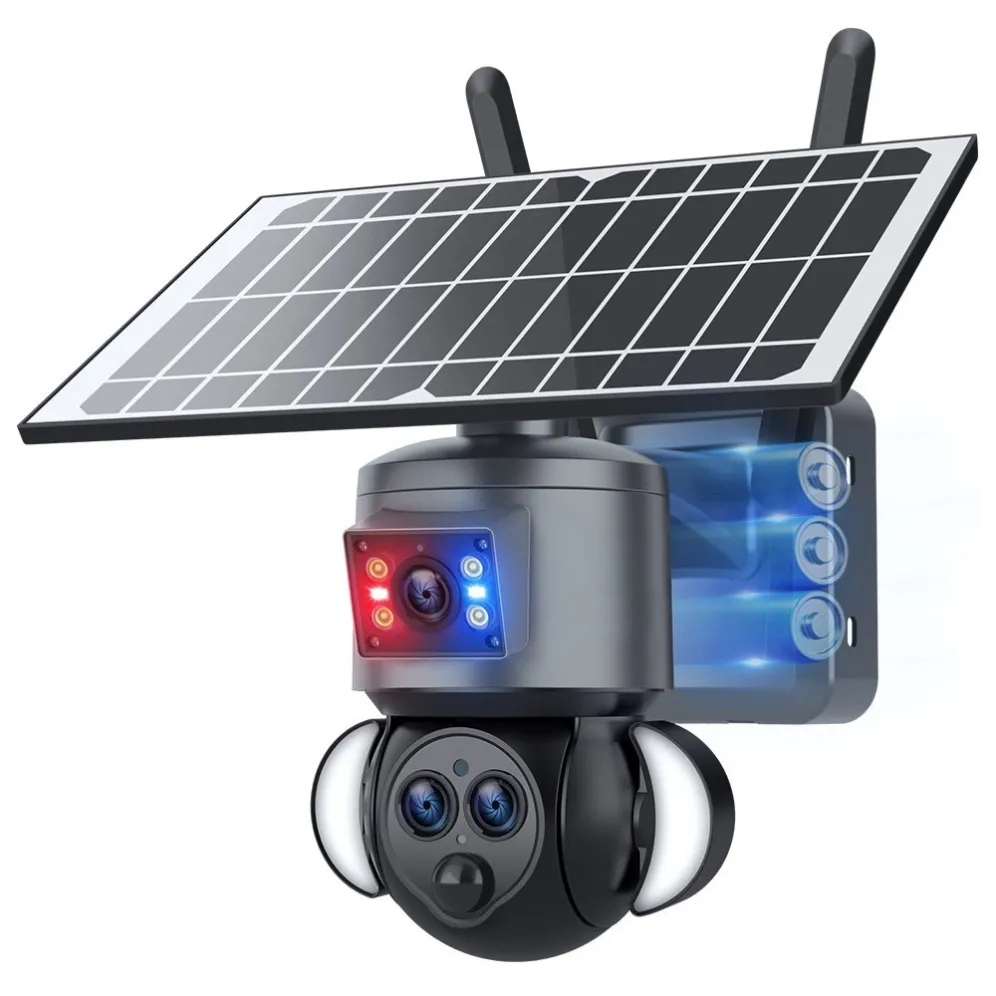
Clean the panel (snow, frost, dust) and check nothing shadows it during the day — winter sun sits lower, so a fence or roof edge that cleared the panel in summer can now block it for hours.
Confirm the camera is in motion-only (event) mode, not 24/7 recording — event mode is what makes solar work in winter.
If the battery is flat, bring the unit indoors to a warm room, charge it (if the model supports it), and remount — do not expect the panel to recover a deeply discharged battery in midwinter.
Prevention: before winter, set event mode, verify the panel's winter sun exposure, and top the battery up while the weather is still mild.
Symptom 2: The battery drains much faster than in summer
Most likely cause: physics, not a fault. Lithium batteries deliver less usable discharge capacity in cold: a production LiFePO4 cell retains about 85% of its 25 °C capacity at 0 °C and about 75% at −20 °C at a 1C discharge rate, with most of the loss recovered once the cell warms up, and the camera also works harder: more motion events (animals, wind), cold-related LED usage, and longer nights mean more infrared operation.Fix step by step:
Reduce non-essential recording: shorten event length, lower event sensitivity, and avoid full-color night mode unless you need the color image.
Check for a low-power / motion-light mode in the APP that activates below a charge threshold — this is the winter workhorse.
Keep the panel clean and unobstructed; every hour of good sun in winter is valuable.
Watch the charging trend in the APP over a week. If it charges to only 40–60% and stops, the panel or placement — not the camera — is the limit.
Prevention: do not chase "zero maintenance." Winter battery care is a weekly check, not a set-and-forget.
Symptom 3: The camera goes offline or disconnects often
Most likely cause: signal, not the camera. WiFi drops with distance and obstacles; 4G depends on coverage that varies with weather, snow load on antennas, and tree movement. Rural connectivity is already patchy in many markets (the FCC's 2024 Section 706 report found that fixed terrestrial broadband at 100/20 Mbps had not been physically deployed to almost 28% of Americans in rural areas, satellite excluded, with data as of December 2022; UK rural areas still have 4G dead zones).Fix step by step:
Test the signal at the exact mount point with your phone — then decide if WiFi, 4G, or local-card recording is the right connection for that spot.
Reboot the camera and the router/AP; then check the APP's signal indicator.
If WiFi is borderline, move the camera or add an access point closer to the mount — do not fight a weak link all winter.
If the camera keeps recording to its local card while offline, that is working as designed: footage survives; you just lose remote live view and alerts until the link returns — check whether your model supports hotspot direct-view for on-site viewing.
Prevention: for spots you cannot give a solid signal, choose 4G or accept local-card fallback — a camera that records locally is never fully "down."
Symptom 4: The image is blurry, foggy, or dark at night
Most likely cause: moisture in or on the lens, frost, or infrared reflecting off snow.Fix step by step:
Wipe the lens cover with a dry microfibre cloth — condensation or frost on the dome is the classic winter blur.
Check the housing seal; if moisture is inside the dome, the unit needs servicing — do not open it yourself if that voids the warranty.
For dark night images, check the night mode setting and whether the LED/IR is actually on (some models lower LED output to save battery — trade image quality for run time in winter).
If snow glare causes overexposure, adjust the exposure or angle the camera down slightly so less sky is in frame.
Prevention: mount cameras with a slight downward tilt (also protects the lens from direct precipitation), and clean domes as part of the weekly winter check.
Symptom 5: Too many false alerts — or none at all
Most likely cause: PIR/motion sensitivity and winter conditions. Blowing snow, swaying branches and moving animals trigger events; a camera aimed at a busy road or tree line will alert constantly and drain the battery. Conversely, a camera aimed at a quiet, motionless area may under-alert.Fix step by step:
Use the APP to set a detection area or sensitivity that excludes roads, trees and high-traffic zones.
Prefer models with PIR + radar dual detection — radar confirms the heat signature trigger and cuts most wind and snow false events.
If alerts stopped entirely, check the camera's event log: is it recording nothing, or recording but not notifying? The fix differs (sensitivity vs notification settings).
For livestock areas, test at night with real movement and adjust alert intervals so you are not spammed at 3 a.m.
Prevention: set detection zones in autumn, then fine-tune after the first week of winter weather.
Why winter is the real test for a solar camera
Think of a solar camera as a daily power budget: the panel puts energy in, the camera spends it. Summer gives the budget a surplus — long days, warm batteries, short nights. Winter squeezes all four inputs at once: shorter daylight and lower sun angle cut charging, cold cuts battery capacity, longer nights mean more infrared hours, and more motion (animals, wind, snow) means more events. Most "winter failures" are simply a budget that went negative — the camera did not break, it ran out of energy. That is why most fixes in this guide are about spending less and collecting more, not about replacing hardware.
The winter maintenance checklist
Do this once before snow, then weekly:
Before winter: set event mode; clean panels; confirm winter sun exposure; top up batteries; check mounts and cables for wear; update the APP and camera firmware.
Weekly: clean panel and lens (tilted panels shed snow — US Department of Energy guidance advises against manual snow removal, warning that shovels can cause damage and that clearing snow can do more harm than good, and recommends soft tools such as brooms and brushes if removal is attempted at all — so let tilt do the work and brush gently only if you must); check battery trend and signal in the APP; spot-check event logs for false-alert patterns.
After heavy snow: clear heavy accumulation, check the mount did not shift under the weight, and confirm the lens is not fogged.
After winter (spring reset): give panels a full clean, let batteries charge a few full cycles in warm weather and confirm capacity looks normal again, restore normal sensitivity (winter settings are often too conservative for spring), and check mounts, screws and seals that may have loosened or cracked in freeze–thaw cycles.
When to stop troubleshooting and call the factory
Some things are not user-fixable:
The battery holds charge for only hours even when fully charged and warm (deep capacity loss) — this is wear or a defective cell, not placement.
Moisture is inside the sealed housing, or the lens is permanently fogged.
The camera reboots by itself or shows a hardware error repeatedly.
You need a replacement, spare, or an upgrade to a model rated for your winter (check the datasheet's working temperature and IP rating).
In those cases, contact your supplier with the APP's status screenshot and error text — it speeds every warranty conversation.
FAQ
Why did my solar camera work all summer but die in winter? Because winter changes all four inputs at once: less sun, colder battery, longer nights (more IR), and more motion events. It is a power budget problem, not usually a hardware failure — the fixes in this guide restore most cameras.Do solar cameras work below −20 °C? Only if the datasheet states a working temperature that covers your winter, and even then with reduced battery capacity. Check the spec, not the marketing copy, and keep the panel clear.Should I bring the camera inside in deep winter? Some owners rotate a portable unit indoors to charge it on the worst weeks — practical for key spots. For fixed installations, choose the right category and maintain it rather than moving it.My camera records locally when offline — is the footage safe? Yes — local-card recording continues without internet, and you can view the card or the camera's event log when the link returns or the card is accessed. Cloud adds remote backup at a cost; local-first is the efficient farm choice.How do I stop false alerts from wind and snow? Set detection areas away from trees and roads, reduce sensitivity, and prefer dual-detection (PIR + radar) models. Then fine-tune after the first week of winter weather.Is full-color night vision bad for winter battery? It uses more power than IR. Use full-color where you need color evidence, IR elsewhere, and check whether the APP lets you switch per spot.My 4G camera loses signal in snow — normal? Coverage can vary with weather and snow on antennas. Check the SIM's carrier signal at the mount, and let local recording cover the gaps; for critical spots, confirm the regional 4G version matches your market.Do dealers get winter support from the factory? Yes — send the APP status screenshot and error text to your supplier; KeenCamPro supports dealers and brand customers on winter issues and replacements under warranty. Confirm the warranty terms in writing before ordering.
What to send the factory if a camera really fails
APP status screenshot and error text, battery trend, and how long it has been failing.
Mounting spot, winter temperature range, and whether the panel gets winter sun.
Model or category, purchase date and order reference — so warranty terms can be checked fast.
Get a quotation
Choosing the right winter-capable category in the first place beats fixing in February. Tell us your climate, spots and signal situation, and we will confirm the categories that fit — plus support for dealers and OEM/ODM customers:
Browse the solar camera and 4G camera categories: www.keencampro.com
WhatsApp: https://wa.me/8618948579719
Email: diana@keencampro.com
#KeenCamPro #FarmSecurityCamera #SolarCamera #WinterMaintenance #Troubleshooting #RuralSecurity